Dashboard
 TRUCKSIM HUBELD-GPSGet ELD-GPS
AMERICAN TRUCK SIMULATOR · EURO TRUCK SIMULATOR 2
Your route, your truck, your logbook.
Together for the miles ahead.
GPS navigation, live truck information, a shared driver logbook and a built-in mod manager on your Windows PC. On a tablet, use ELD-GPS in your web browser while the Windows app runs on your PC.
Version v2.0.9 · Windows 10 / 11, 64-bit
YOUR DRIVER DASHBOARDv2.0.9One host. Shared driver records.
Interface preview · no game connectedEXPLORATION MAP
Find hidden roads and points of interest, see yellow checks on visited places, and follow gold highlights along roads you have traveled in ELD-GPS.
See the exploration setup and guide →SAVED MAP PROGRESS
Import road discovery and viewpoint status from your selected game profile. Discoverable secret roads stay visible; scenery-only hidden roads are filtered out.
Set up saved map progress →INSIDE ELD-GPS
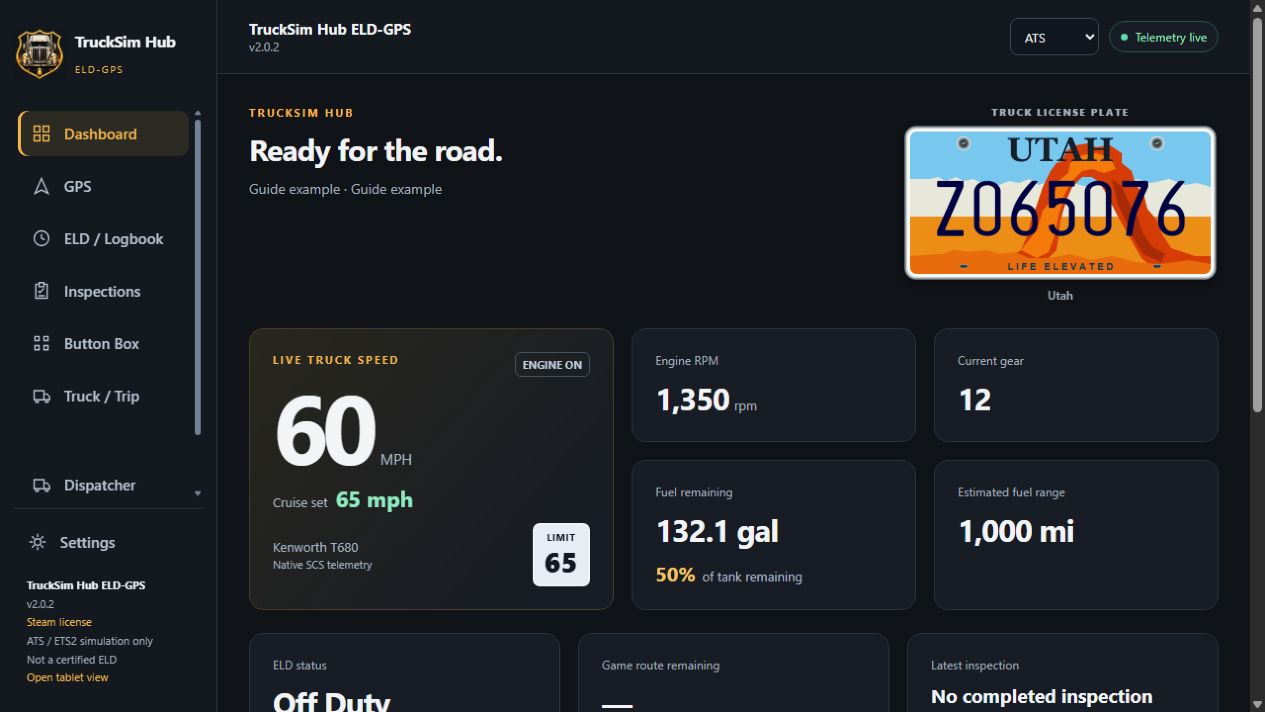
GPS, driver records, Dispatcher and mod management on your PC and paired tablet.
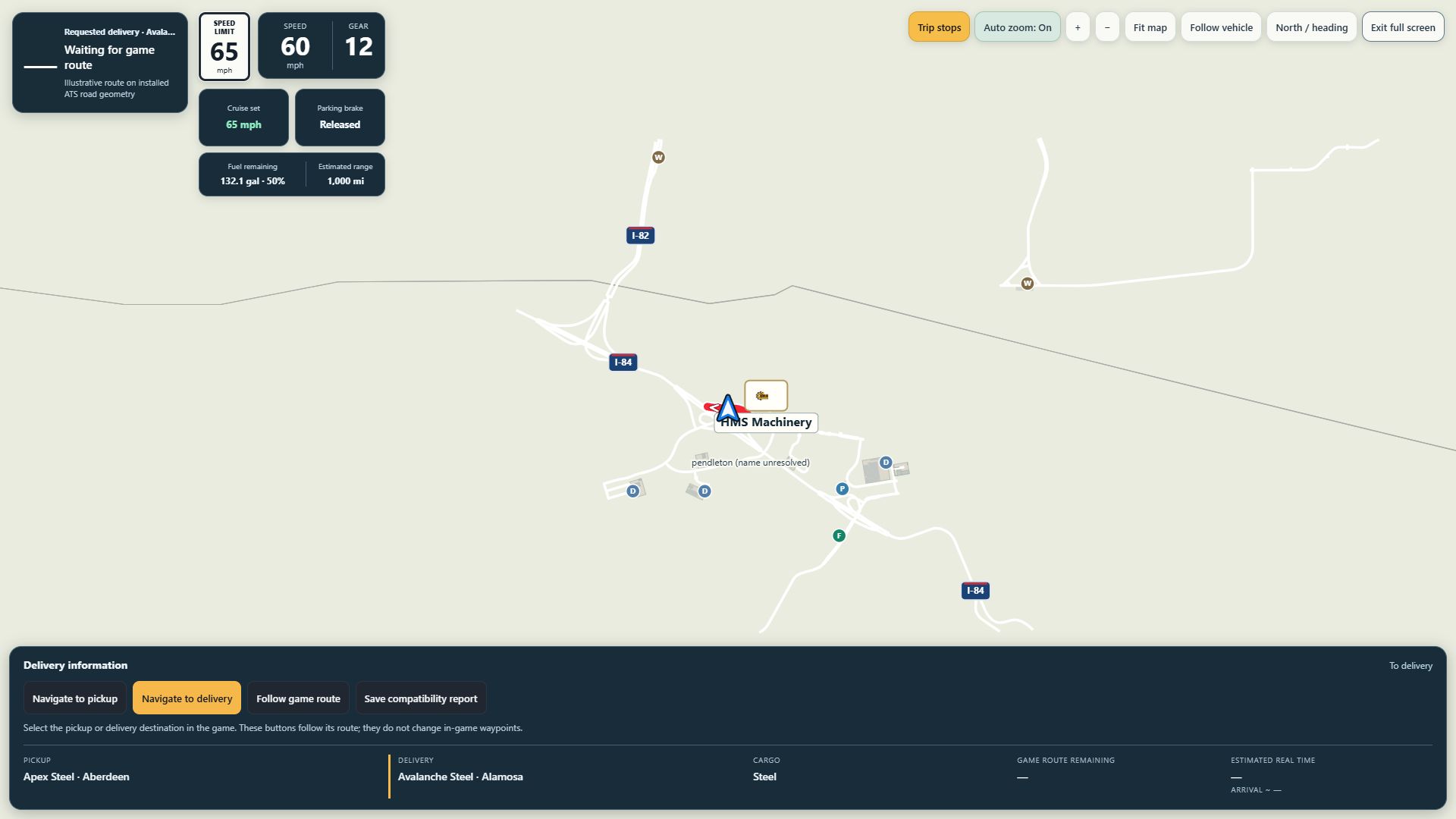
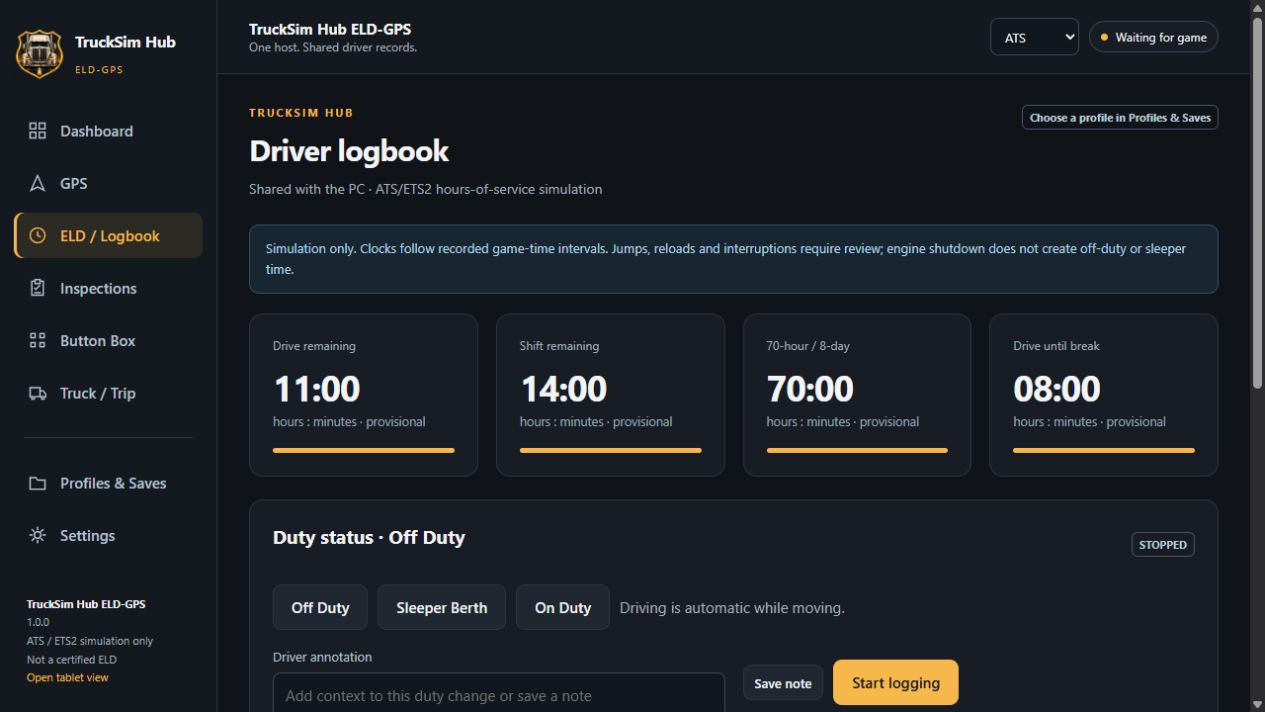
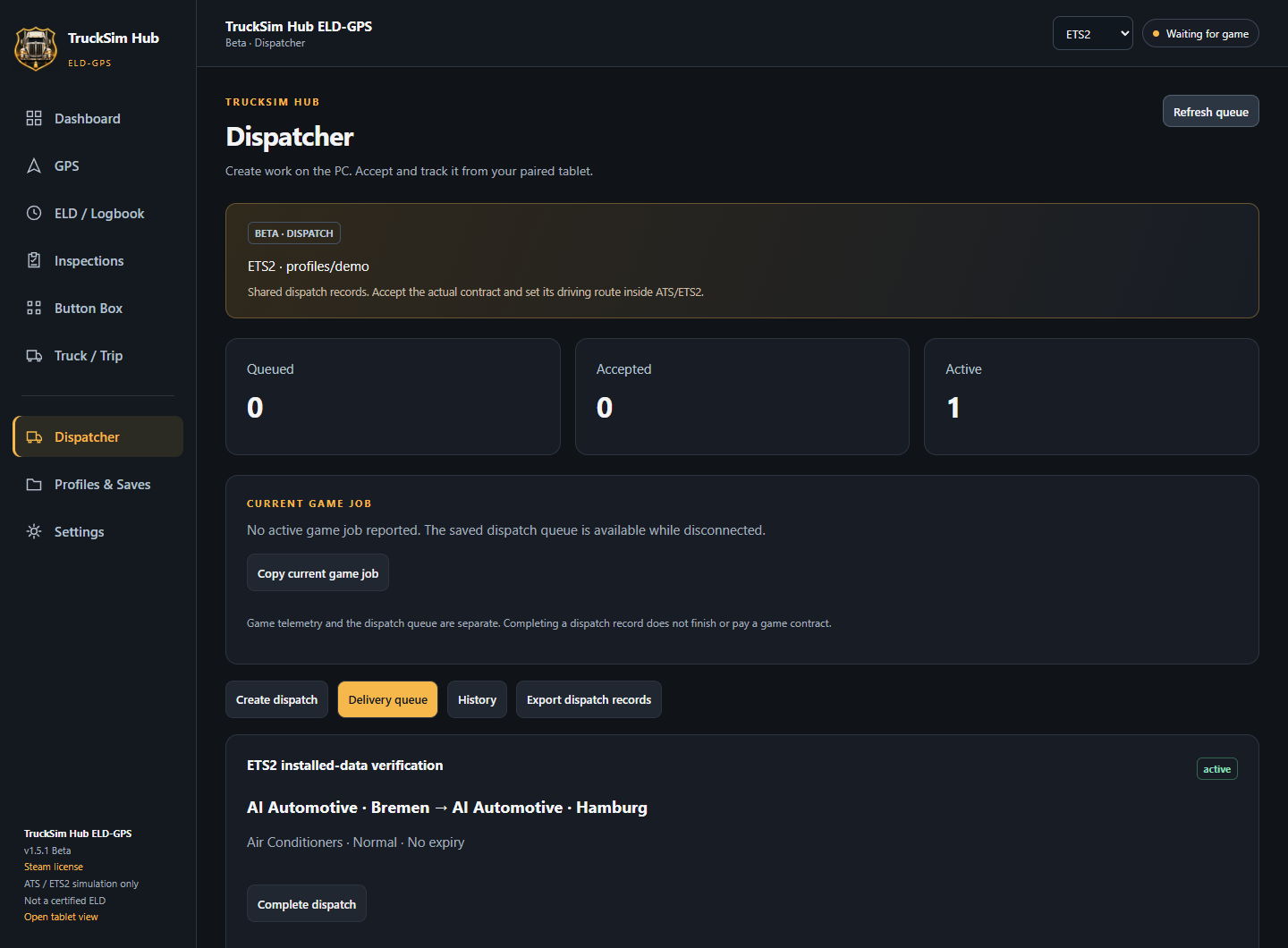
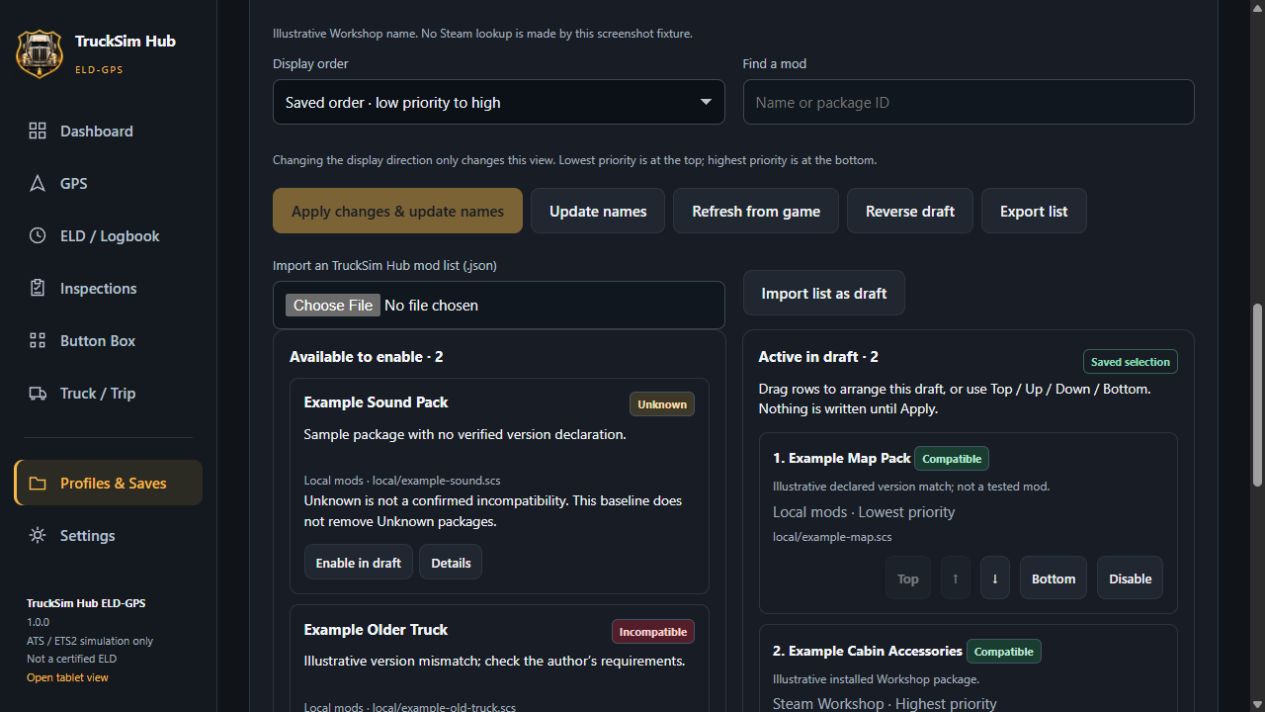
Interface examples show illustrative records. Open an image to view it full size.
FIRST RUN
Run the approved ELD-GPS installer and open the desktop shortcut. Setup checks Microsoft WebView2. Sign in with your free, subscribed or approved Steam account before connecting your game.
Choose ATS or ETS2 and your profile. With the game closed, install the matching telemetry plugin from Settings.
Build your road map. Set your destination in the game’s Route Advisor, then choose Follow game route.
APP UPDATES
See changes to ELD-GPS, game compatibility notes and earlier releases.
Read app updates →STABLE RELEASE
Start free with three GPS deliveries per 24 hours, or subscribe for unlimited GPS deliveries.
Each free GPS use becomes available again 24 hours after you start navigation. For example, use one at 6 PM today and it returns at 6 PM tomorrow.
Pausing and continuing the same delivery does not use another free GPS use.
Recurring payment of $5 each month.
Recurring payment of $50 each year.
Sign in with Steam and choose Start free to download without payment. For unlimited GPS deliveries, choose a monthly or yearly plan and approve the recurring subscription with PayPal. Download and connect the Windows app with the same Steam account. Cancel future renewals in My account or PayPal; access continues through your paid period.
YOUR HUB ACCOUNT. YOUR ACCESS.
Steam is the only registration and sign-in method. Your free or paid access is tied to your Steam account. Sign in from the Windows app with that same account and confirm the connection in your browser. No email registration or activation code is required.
How Steam licensing works